- Do More Newsletter
- Posts
- Do More Newsletter
Do More Newsletter
This issue contains featured article "ChatGPT and You: Best Practices for Everyday AI Conversations", exciting product information about Bitget GetAgent AI Trading Avatars, AsthaAI Engine – AI for Any App, Adobe — Project Graph, Suno — Make Any Song You Can Imagine, and OnAudience — AI Audience Builder.
In partnership with

Keep up to date on the latest products, workflows, apps and models so that you can excel at your work. Curated by Duet.

Stay ahead with the most recent breakthroughs—here’s what’s new and making waves in AI-powered productivity:
Bitget has launched six new AI “trading avatars” inside its GetAgent platform, each with distinct strategies and personalities that can be copy‑traded with one click. The avatars run live, manage real accounts, and expose strategy documentation and performance curves so users can see how different styles behave under market pressure in real time.
Beyond copying trades, users can chat with each avatar to ask why it entered or exited a position, how it sets stop‑losses, and what signals it prioritizes, turning the product into an interactive learning and decision‑support tool. This makes GetAgent function as a specialized productivity assistant for active traders, helping them reduce research time while still understanding the rationale behind automated decisions.
Astha Technologies has introduced the AsthaAI Engine, a framework that lets companies embed advanced AI into new or existing mobile and web apps without rebuilding from scratch. It supports features such as intelligent chatbots and voice assistants, personalization and recommendation systems, predictive analytics, AI‑enhanced search, workflow automation, and fraud or anomaly detection.
For product and engineering teams, the engine acts as a productivity multiplier by centralizing common AI capabilities that usually require separate projects. Teams can quickly add context‑aware support, behavioral insights, and automated processes into their apps, shortening development cycles and allowing more focus on UX and business logic instead of AI plumbing.
A visual, node-based creative workflow builder from Adobe that lets creators connect AI models, effects, and Adobe tools (Photoshop, Premiere, etc.) into visual graphs. Instead of prompting models with text alone, you compose pipelines of nodes (models, transforms, effects) that can be packaged as reusable “capsules” and shared across apps — giving teams reproducible, tweakable creative systems rather than single-shot prompts. Preview/early announcement is positioned as a second-generation creative-AI UX focused on control and reuse.
Suno announced a landmark licensing partnership with Warner Music Group to create a licensed, artist-friendly AI music experience. Under the deal Suno will phase in licensed models and compensated artist participation (artists opt in to allow voice/likeness use), move some features to paid tiers, and roll out new interactive music features and downloads policy in 2026. This is a major shift toward licensed, pro-friendly AI music tooling.
OnAudience launched an AI audience-builder that creates marketing segments and directly integrates with ad platforms (Amazon DSP and others). It’s a productivity tool for marketers and creator-entrepreneurs that automates audience creation from signals and allows direct activation into programmatic campaigns — speeding time from idea to live campaign

For the past few years, most creative AI tools have relied on simple text prompts, producing impressive results but often leaving professional creators wanting more control, repeatability, and precision. Adobe’s new Project Graph, previewed at Adobe MAX, represents a significant shift in how creative work can be built and automated. Instead of generating a single image or video from a prompt, Project Graph introduces a node-based system that lets creators visually design full creative workflows. Each node in a graph can represent a model, image transform, stylistic effect, or a step inside Adobe apps like Photoshop or Premiere. By connecting these nodes, creators can build multi-step pipelines that capture their creative process in a transparent, editable way.
This approach is a major evolution of Adobe’s earlier generative features. What used to be a prompt-driven sequence of trial and error can now become a reusable, documented workflow that produces consistent results across projects and team members. Project Graph also introduces “capsules,” which allow creators to turn a complex graph into a simplified tool with just a few adjustable controls. These capsules can be shared with collaborators, enabling agencies, studios, and cross-functional teams to run sophisticated pipelines without having to understand the technical steps behind them.
One of the most powerful aspects of Project Graph is its cross-application integration. A single graph can incorporate elements from Photoshop, Premiere, Illustrator, and third-party AI models, meaning creators can blend traditional editing tools with modern generative capabilities in one unified process. This eliminates the friction of switching between programs and ensures consistent output across different asset types—especially useful for campaigns that require matched visuals across images, video, and motion graphics.
For creators, the benefits are substantial. The visual, transparent structure of a graph makes it easier to see how each part of the workflow affects the final result, reducing guesswork and saving hours previously spent on iterative prompting. Teams can standardize their workflows by capturing best practices inside capsules, helping ensure brand consistency and accelerating production for social content, ad variants, and large multi-asset projects. Even non-designers can benefit: with a capsule in hand, anyone can generate consistent assets using the same pipeline the creative team trusts.
Although Project Graph is currently in preview, early reactions from the creative community have been very positive. As Adobe continues to refine the tool, creators can expect more integrations, expanded model support, and a growing ecosystem of user-built capsules.
In short, Project Graph isn’t just another AI feature—it’s the beginning of a new era where creative AI becomes programmable, shareable, and reliable. For professionals who need consistency, speed, and control, it promises to redefine how modern creative work gets done.
ChatGPT and You: Best Practices for Everyday AI Conversations
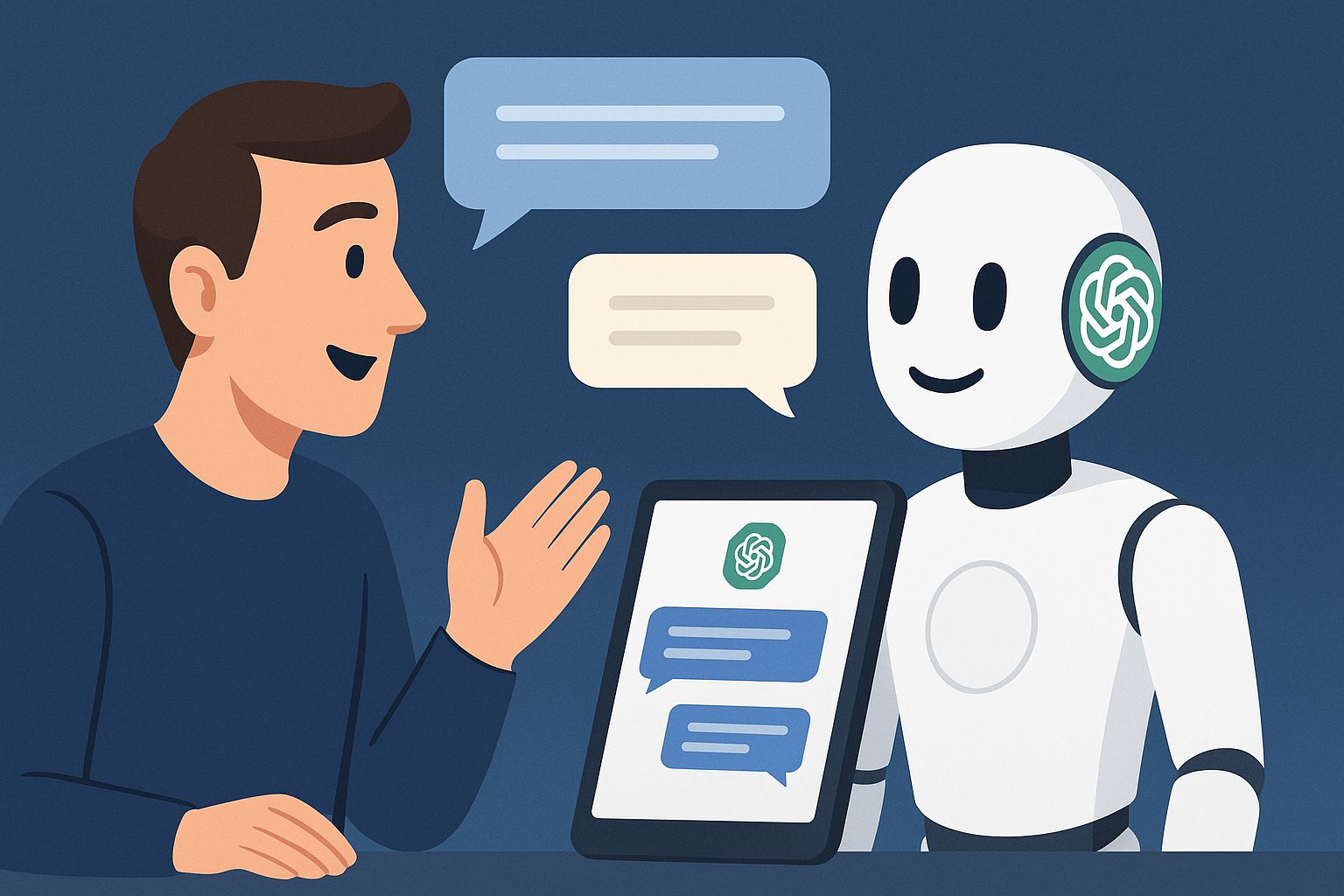
ChatGPT and other large language models (LLMs) are amazingly powerful – like having a knowledgeable (if occasionally confused) assistant at your fingertips. But with great power comes great opportunity to shoot yourself in the foot.
In this concise guide, we’ll cover practical do’s and don’ts for using LLMs effectively, ethically, and productively in everyday life. From smart prompting and common pitfalls to privacy and hallucination (when the AI just makes stuff up), you’ll get the basics you need to not be that person who blindly trusts a chatbot.
Quick Do’s and Don’ts
Do: Be clear and specific in your prompts.
Tell the AI exactly what you want, provide context, or even examples. The less the model has to guess, the more likely you’ll get what you need.
Don’t: Ask overly broad or vague questions.
“Tell me about the world” will get a generic answer. Narrow it down, or the poor model will throw verbal spaghetti at the wall to see what sticks.
Do: Double‑check the AI’s answers, especially for facts or numbers.
LLMs can sound confident while being totally wrong (“hallucination”). Verify important info from reliable sources.
Don’t: Take every answer as gospel.
Blindly trusting an AI is like trusting a confident‑sounding stranger who never admits they’re unsure. Always verify if it matters.
Do: Keep private or sensitive details to yourself.
Assume anything you type might be logged or reviewed somewhere.
Don’t: Share personal data, passwords, or confidential info in your prompts.
Companies and governments worry about these tools precisely because of data and privacy risk. Take the hint and be cautious.
Smart Prompting 101: How to Talk to Your AI
Getting good answers from LLMs starts with asking good questions. Prompting is half the game.
Be Clear and Specific
Give the AI enough detail about what you want. Ambiguity is the enemy.
Instead of:
“Tell me about pizza.”
Try:
“How did pizza originate in Italy, and how did it become popular worldwide? Answer in 2 short paragraphs.”
Now the model knows what topic, what angle, and roughly how long.
A useful rule of thumb: explain your request like you would to a junior colleague. Don’t assume it knows what you’re thinking. The less guessing it does, the better the output.
Give Context and Specify Style
You can tell the model its role, audience, and style:
“Explain this like I’m 5.”
“Act as a travel guide.”
“Respond in bullet points.”
“Use a professional but friendly tone.”
LLMs are built to adapt to instructions. If you don’t specify, they default to “generic internet explainer.”
Example – Bad vs Good Prompt
❌ Bad Prompt: “Explain quantum physics.”
Too broad. You’ll get a generic, probably confusing wall of text.✔️ Good Prompt:
“I’m a high school student struggling with physics. Explain the concept of quantum superposition in a friendly, simple way, and give an everyday analogy so I can understand.”
Here you told the model:
Who you are (high school student)
What you want (quantum superposition)
How you want it explained (simple, friendly, with analogy)
That’s the right way to set an AI assistant up for success.
Garbage prompts = garbage results. A well‑crafted prompt can turn the same model from “meh” into “surprisingly useful.”
Steer Clear of Common Pitfalls
Even savvy users walk into the same traps. Here are the big ones and how to dodge them.
1. Believing Everything the AI Says
LLMs are trained to be fluent, not honest.
They:
Can sound extremely confident while being wrong
May invent fake details, citations, or sources (“hallucinations”)
Can mix correct and incorrect information in ways that are hard to spot
Fix: Always double‑check important stuff. Treat the AI as a fast first draft or a research assistant, not a final authority.
2. Vague or Overly Broad Prompts
If you ask muddled or overloaded questions, you’ll get muddled answers.
Bad:
“Tell me about technology.”
Better:
“What are 3 big advances in smartphone tech in the last 5 years, and how did they affect daily life?”
Also, don’t pile ten unrelated requests into one message. That just confuses the model.
Fix:
Ask about one main thing at a time
Be explicit about what you want (length, format, audience, etc.)
3. Lack of Context
The AI is not a mind‑reader.
Bad:
“Should I go to the party?”
What kind of answer are you expecting there?
Better:
“I have an exam tomorrow morning and a party invite tonight. I’m behind on studying but feeling burnt out. Should I go, and how would you think about that trade‑off?”
Humans need context to give useful advice. So do LLMs. If you leave out key details, the model will guess, and it will often guess wrong.
Fix: Ask yourself:
“If I were asking a human this question, what would they need to know?”
Then give the AI that information.
4. Setting Unrealistic Expectations
Here’s where your math question lives.
LLMs are extremely good at:
Language, summarization, explanation
Brainstorming ideas and outlines
Many coding tasks and debugging
A large swath of math problems, especially if they can write and run code
They are not:
A perfect calculator
A guaranteed expert in cutting‑edge events
A reliable solver of the nastiest, trickiest problems you can dig up
Modern models can solve a lot of math, including quite advanced problems, but they still:
Make random arithmetic mistakes
Lose track of long chains of reasoning
Struggle with very hard, novel, or Olympiad‑level problems
Present wrong answers with total confidence
Also, by default, an LLM’s built‑in knowledge is not truly “real‑time.” Some tools can browse the web or use plugins, but they’re still pulling from external sources that might be wrong or outdated.
Bottom line for users:
Use a proper calculator, spreadsheet, or coding environment for critical calculations.
Verify anything numerical that actually matters to your life, money, or work.
Treat LLM math as helpful but untrustworthy unless you’ve checked it.
5. Ignoring Ethical Boundaries
Just because the AI can generate something doesn’t mean you should use it.
Misusing LLMs for:
Spam and harassment
Plagiarism and cheating
Disinformation or impersonation
is not clever “life hacking.” It’s just unethical, and often against platform rules, school policies, or the law.
Also, if you present AI‑generated work as fully your own, you’re lying. Use it as a tool, not as a way to outsource responsibility.
Keep It Private (Your Data, That Is)
When you use an online LLM, you’re talking to a cloud service. That usually means:
Your chats are logged somewhere for at least a while
Your data may be used to improve models unless you opt out
Staff or automated systems might review snippets for abuse or quality control
On top of that, many newer assistants have “memory” features that remember details about you over time to personalize responses. Convenient, sure. Also slightly creepy.
Best practices for privacy
1. Never share sensitive personal info.
No:
Social Security numbers
Bank or credit card details
Passwords, 2FA codes, or recovery links
If you wouldn’t shout it in a crowded room, don’t type it into an AI chat box.
2. Be cautious with work or proprietary data.
If you’re using LLMs for work:
Don’t paste confidential documents, internal roadmaps, or proprietary code unless your company explicitly allows it and you know the policy.
When in doubt, anonymize: fake names, scrubbed IDs, redacted details.
Some organizations now ban or restrict public LLMs for exactly these reasons.
3. Use whatever controls the tool gives you.
Different tools offer different knobs:
Turning off training on your chats
Using “temporary” / “incognito” chats that are deleted after a short time
Paid or enterprise tiers with stricter data controls
On‑device or self‑hosted models where data stays in your environment
If you absolutely must touch sensitive info, use the most locked‑down option you have, and keep the input as minimal as possible.
4. Assume everything is saved anyway.
Even if a UI lets you delete a conversation, backups, logs, or legal holds may still exist somewhere.
Operate on a “need‑to‑share” basis:
Only input data you’d be okay with existing on some server you don’t control
Don’t rely on any AI tool as a safe vault for secrets
That way, if there’s ever a breach, policy change, or bug, you haven’t handed over anything you couldn’t afford to lose.
AI as Your Sidekick, Not Your Crutch
LLMs are great at:
Drafting emails, posts, and documents
Outlining essays, articles, and presentations
Brainstorming ideas or edge cases
Helping you see options you hadn’t considered
They should not replace your own thinking.
Why avoid over‑reliance?
If you use GPS for every two‑block trip, you eventually forget how to navigate your own neighborhood.
If you use LLMs to:
Write every email
Solve every homework problem
Design every piece of code or content
you will get rusty. Then when you have to operate without the AI (because it’s down, banned, or restricted, or you’re in a high‑stakes environment where you can’t use it), you’re stuck.
Experts have also raised concerns that over‑reliance can dull critical thinking: if the AI always gives you a plausible‑sounding story, it’s easy to stop questioning whether it’s actually true.
How to use it without losing your edge
Use AI as a boost, then polish.
Let the model:
Brainstorm ideas
Produce rough drafts
Suggest structures or alternatives
Then you:
Edit for accuracy
Add your actual expertise
Make sure it sounds like you, not a generic bot
Treat the model like a fast but error‑prone intern who always needs review.
Keep learning and practicing.
If an LLM gives you code, math, or an explanation:
Try to understand why it works
Check it against documentation, textbooks, or trusted human sources
Practice doing similar tasks yourself
Use the model as a tutor or explainer, not a permanent prosthetic for your brain.
Conclusion: A Little Effort, Big Rewards
Using LLMs for everyday tasks can be a game‑changer. By following a few basic best practices, you can get more useful, accurate, and creative outputs while avoiding the biggest traps.
The essentials:
Be clear and specific in your prompts
Provide context and desired style
Double‑check important facts, numbers, and logic
Guard your privacy and your employer’s data
Use the AI as a sidekick, not a replacement for your own judgment
The magic happens when you combine:
The AI’s strengths (speed, breadth of knowledge, pattern‑spotting, creativity)
With your strengths (critical thinking, ethics, real‑world context)
Use both, and you’re far more effective than either one alone.

Partner Spotlight: Duet Display
Duet Display is a leading productivity tool that turns an iPad, Mac, Windows PC, or Android device into a high‑performance extra display and input surface for your computer. Professionals use it to extend their workspace, mirror screens for presenting, and leverage touch and stylus input for creative apps, all with low‑latency performance designed for demanding workflows.
For creators, developers, and remote workers, Duet Display can significantly improve multitasking by giving you more screen real estate for timelines, canvases, dashboards, and documentation side by side. It is especially powerful when paired with modern AI tools—keeping AI chat, dashboards, or editing panels on a dedicated screen while your main monitor remains focused on primary work makes “do more” workflows tangible. Learn more and download at Duet Display
Earn a master's in AI for under $2,500

AI skills aren’t optional anymore—they’re a requirement for staying competitive. Now you can earn a Master of Science in Artificial Intelligence, delivered by the Udacity Institute of AI and Technology and awarded by Woolf, an accredited higher education institution.
During Black Friday, you can lock in the savings to earn this fully accredited master’s degree for less than $2,500. Build deep expertise in modern AI, machine learning, generative models, and production deployment—on your own schedule, with real projects that prove your skills.
This offer won’t last, and it’s the most affordable way to get graduate-level training that actually moves your career forward.
Stay productive, stay curious—see you next week with more AI breakthroughs!